 ScreenFloat for Mac Release Notes
Improved
Improvements
- After exporting, the export folder is no longer auto-revealed in Finder
- Copying shots (in all different file formats) is now streamlined, as it provides both a file and the data copied for maximum compatibility
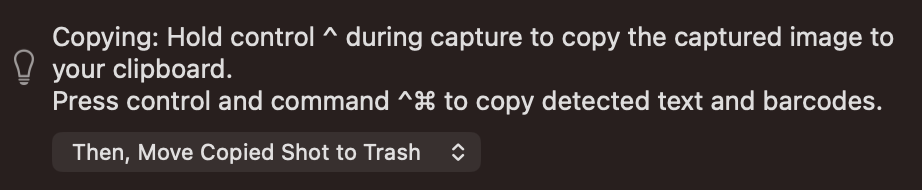
- Improves copying during capture by holding down the control key (^), in that these copies are now directly paste-able in Finder ( 🖼 )
- In the Shots Browser, the Quick-Drag-Popover now properly supports Sharing and “open with” with multiple selected Shots ( 🎬 )
- When cropping and zooming in by pinching, the crop rectangle now stays at the same size and does not zoom in with the image
- A new, fast way to copy floating shots easily (in addition to double-click actions and right-clicking): Hold down option (⌥) or option-shift (⌥⇧) and click onto the document button to copy the shot or detected text ( 🎬 )
- Added a note in Settings > Floating Shots > Close Button to show the possibility of holding down fn while dragging floating shots to other apps to close the shot upon completion of the drag
- Floating shots that are being annotated no longer are hidden when dragging another floating shot, as to allow dropping to it
Fixed
Bug Fixes
- Fixes a typo in the English localization
- Fixes a bug where ScreenFloat would not remember ImageKit.io and Cloudinary credentials
- Fixes a bug where, after successfully auto-importing a screenshot made with macOS, the original file would be deleted instead of moved to Trash if that setting was enabled
- Fixes a bug where the recording HUD's duration field tooltip would report incorrect file sizes
- Fixes an issue where importing large images would result in floating shots taking way too much screen real estate
- Fixes a bug with recording microphone audio on macOS 14 and earlier