 ScreenFloat for Mac Release Notes
New
New Features
Improved
Improvements
- When resizing, rotating or cropping a shot, the floating shot now resizes accordingly
- Improves handling of imported screen recordings
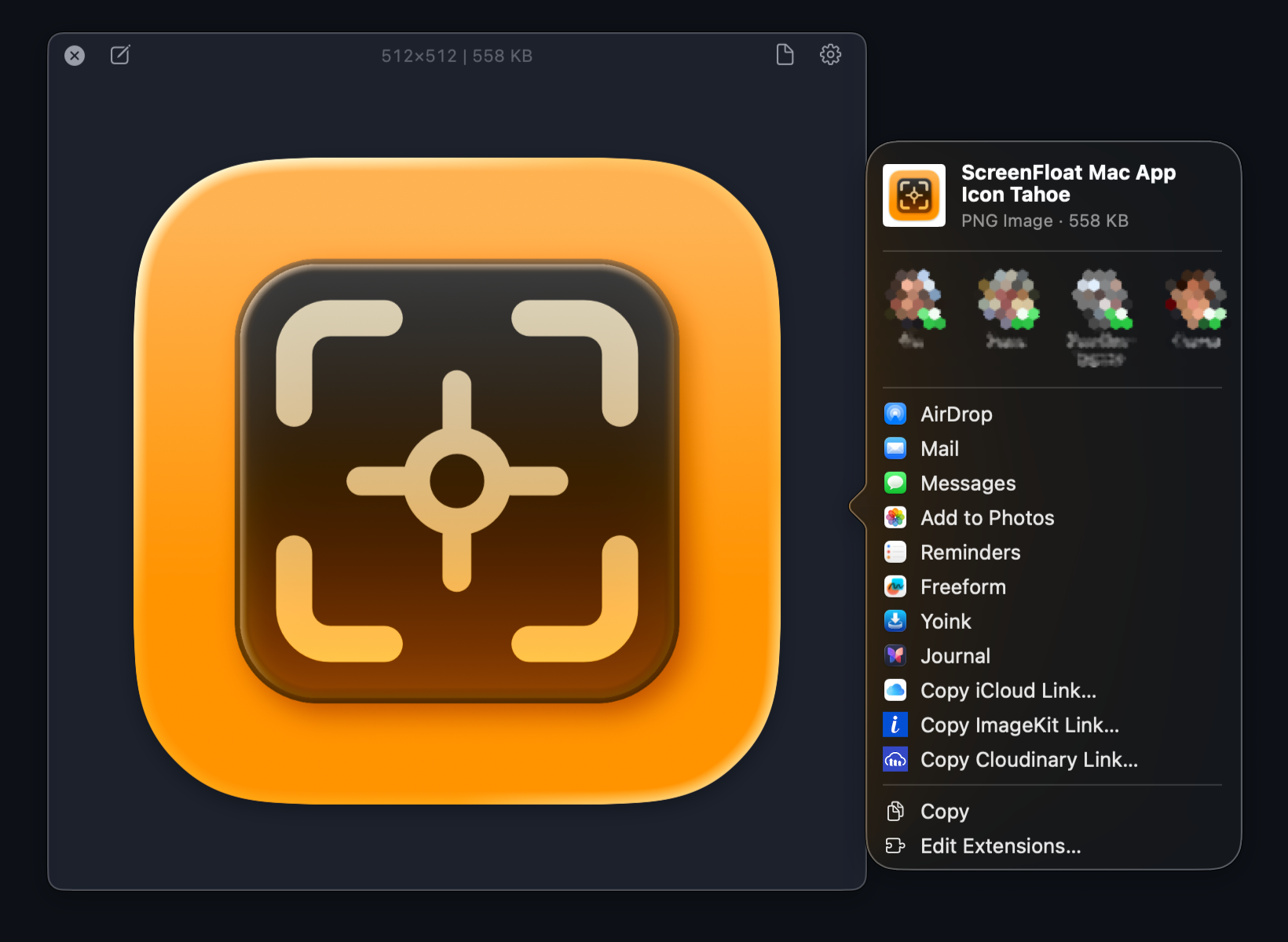
- Share more quickly with the new Share sheet (requires macOS 13 “Ventura” or newer) ( 🖼 )
Fixed
Bug Fixes
- Fixes a crash that could occur when cropping, rotating or muting video recordings
- Fixes a bug where the About window, when opened in another space, would not appear in the current space when opened
- Fixes a bug where the color panel sometimes refused to appear
- Fixes a bug where images with certain color spaces / profiles could not be edited correctly
- When a Quick Look'ed shot is deleted in the Shots Browser, the Quick Look panel now updates correctly to the next shot